Photomath AI features Key Takeaways
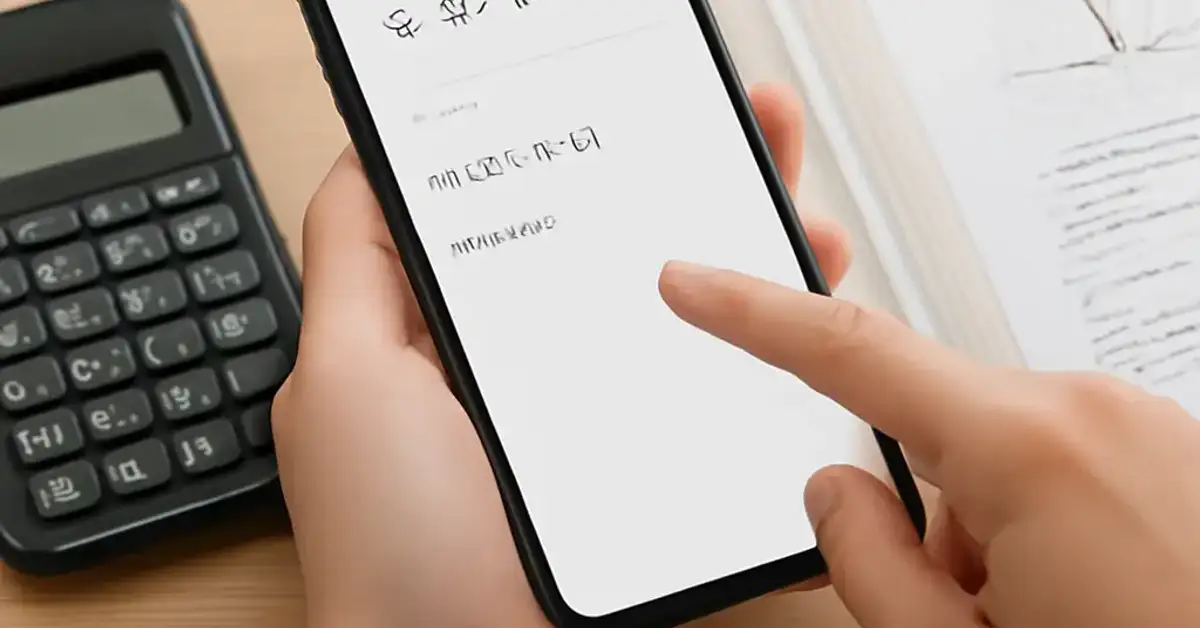
Photomath has evolved from a simple scan-and-solve app into a full-fledged learning companion powered by artificial intelligence.
- The Photomath AI features include over 30 step-by-step explanation modes that adapt to different learning styles, from visual graphs to verbal reasoning.
- Smart Camera instantly recognises printed and handwritten problems, reducing frustration for students who struggle with typing complex expressions.
- With the AI-powered graphing calculator and dynamic word problem solver, Photomath covers topics from basic arithmetic to advanced calculus.
Why Photomath AI Features Matter for Today’s Students
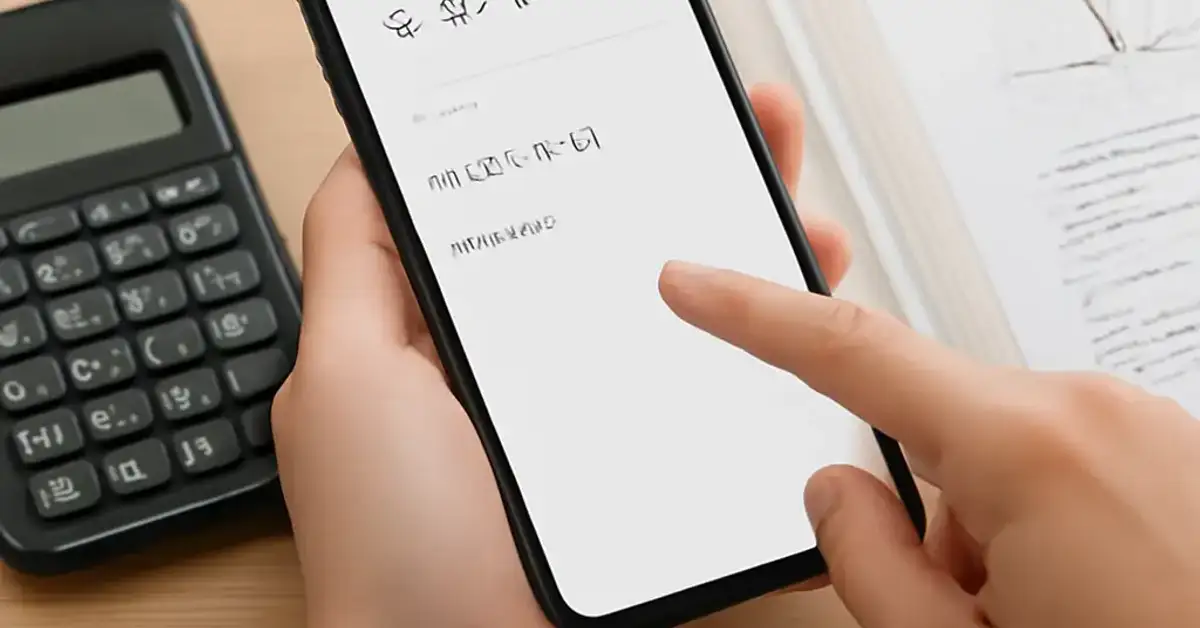
Mathematics anxiety is real — nearly 40% of students report feeling nervous when solving math problems. Traditional textbooks often lack the instant feedback and personalised guidance that modern learners need. That is where artificial intelligence bridges the gap. Photomath AI acts as a patient, always-available tutor that explains why a solution works, not just what the answer is. By combining computer vision with natural language processing, the app deciphers messy handwriting and complex notation, then delivers tailored explanations in real time.
Educators and parents appreciate that these tools reinforce classroom learning without replacing teacher guidance. For self-directed learners, the app offers a safe space to make mistakes and explore multiple solution paths. In this article, we break down the seven most powerful Photomath AI features that can truly transform how you learn mathematics. For a related guide, see Best Grammarly AI Features for Writers and Students: 7 Smart Tools.
Feature 1: Smart Camera with Handwriting Recognition
The core of any scanning app is its ability to read problems accurately. Photomath’s Smart Camera uses deep-learning models trained on millions of math problems — both printed and handwritten. It recognises variables like x, y, and z, plus Greek letters and square root symbols. This Photomath feature eliminates the need to type out long equations, saving time and reducing input errors.
How It Boosts Learning
Students can snap a photo of their textbook, a worksheet, or even a friend’s scribbled notes and get instant processing. The camera highlights each recognised element so you can confirm accuracy before solving. This visual feedback trains your eye to notice structure — parentheses, exponents, and fractions — which is a foundational skill for higher mathematics.
Feature 2: Multi-Method Explanations
One of the standout Photomath AI features is the ability to view each problem through multiple explanation lenses. The app doesn’t lock you into one approach. Instead, it offers textbook-style steps, verbal explanations, graphical representations, and even a “bite-sized” mode for complex derivations.
Learning Benefits
If you are a visual learner, you might prefer the graphical breakdown of a quadratic function. If you learn by reading, the textbook mode gives you a clean, line-by-line solution. This flexibility helps you connect abstract formulas with real understanding. Research in educational psychology confirms that presenting information in multiple formats improves retention, and this AI math learning tool delivers exactly that.
Feature 3: Animated Tutorials and Interactive Hints
Beyond static steps, Photomath includes animated tutorials that walk you through the reasoning behind each operation. For example, when solving an equation like 3(x − 5) = 18, an animation might show how distributing the 3 works visually. The app also offers interactive hints — if you get stuck on a step, you can tap for a clue rather than jump straight to the answer.
Why This Matters
This Photomath feature aligns with research on productive struggle: giving learners just enough support to move forward without removing the challenge. It builds independence and problem-solving stamina over time.
Feature 4: AI-Powered Graphing Calculator
The built-in graphing calculator goes far beyond simple plotting. Powered by machine learning, it can handle piecewise functions, parametric equations, and even implicit curves. You can pinch to zoom, trace points, and see the gradient at any location. The graph updates in real time as you tweak parameters — a huge advantage over static textbook images.
Practical Application
When studying functions and their transformations, you can slide a coefficient up and down and watch the parabola shift. This immediate cause-and-effect feedback is one of the most powerful AI math learning tools for grasping abstract concepts like domain, range, and asymptotes. For a related guide, see Best Leonardo AI Features: 7 Powerful Tools for Pro Art.
Feature 5: Word Problem Solver with Context Parsing
Word problems have long been the bane of math learners. Photomath’s AI goes beyond numeric processing — it parses the English sentence to identify key quantities, relationships, and what the question is asking. It then suggests a variable assignment and builds the equation step by step.
Example in Action
Consider: “A train leaves Station A at 60 mph. Another train leaves Station B at 80 mph, 30 minutes later. When will they meet?” The app extracts time, speed, and distance variables, then sets up a system of equations. You can even ask it to explain why it chose certain variables — a deep learning moment that many tutors skip.
Feature 6: Adaptive Difficulty and Personalised Practice
Photomath tracks your history and adjusts the difficulty level of suggested practice problems. If you consistently solve linear equations correctly, it will introduce systems of equations or inequalities. If you struggle with fractions, it will offer more examples at that level. This personalised path is one of the newest Photomath AI features and mimics the responsiveness of a one-on-one tutor.
How to Use It
After solving a few problems, tap the “Practice More” button to generate custom quizzes. The AI selects questions that target your weak areas and gradually increases complexity. Over time, you build a mastery profile that shows which topics you have conquered and which need more review.
Feature 7: Offline Functionality with On-Device AI
Not every student has reliable internet access. Photomath’s AI processing runs on the device itself for most operations, including scanning and step-by-step solving. This means you can use the core Photomath AI features without Wi-Fi — a critical advantage for studying in the library, on the bus, or in areas with poor connectivity.
Privacy and Speed
On-device processing also means your data never leaves your phone. For parents concerned about privacy, this is a major plus. The app still works lightning fast because the AI models are optimised for mobile hardware.
Useful Resources
To dive deeper into how AI is reshaping mathematics education, check out Edutopia’s guide on AI in math classrooms for best practices from educators. For a technical breakdown of the computer vision behind apps like Photomath, Google AI’s blog post on handwriting recognition offers fascinating insights into the underlying technology.
Frequently Asked Questions About Photomath AI features
Is Photomath AI completely free to use?
Photomath offers a free version with basic scanning and step-by-step solutions. The full suite of AI features — including multi-method explanations, animated tutorials, and adaptive practice — requires a Photomath Plus subscription.
Can Photomath AI solve handwritten problems?
Yes, the Smart Camera has been trained on millions of handwritten samples. It can recognise cursive, print, and even messy scrawls as long as the characters are reasonably legible.
Does Photomath AI work for calculus?
Absolutely. The app covers limits, derivatives, integrals, and differential equations. Its graphing calculator handles parametric and polar coordinates, making it a robust tool for college-level math.
How does Photomath AI compare to similar apps?
Photomath stands out for its deep explanation library and handwriting recognition. Competitors like Mathway or Symbolab offer solving but fewer pedagogical explanations. Photomath’s visual and animated modes are unique among AI math learning tools.
Can I use Photomath AI without an internet connection?
Yes, core features like scanning, solving, and basic step-by-step work offline. Some premium features like animated tutorials may require a download beforehand or a connection for initial access.
Is Photomath AI accurate for advanced topics like linear algebra?
Photomath AI handles matrix operations, vector spaces, and eigenvalue problems. Accuracy is high for standard textbook problems, though extremely specialised notation might occasionally need a manual touch.
Does Photomath AI support multiple languages?
Yes, the app offers explanations in over 20 languages, including Spanish, French, Arabic, Hindi, and Chinese. This makes it accessible to learners worldwide.
How does the personalised practice feature know my level?
The AI tracks the problems you have solved, your accuracy, and the time taken per step. It then builds a proficiency model to recommend problems that challenge you without overwhelming you.
Can teachers assign homework using Photomath AI ?
Photomath now offers a classroom edition where teachers can assign specific problem sets and view class analytics. It is designed to complement instruction, not replace it.
Does Photomath AI explain why an answer is wrong?
Yes, when you input a solution that differs from the app’s, Photomath highlights the exact step where the mistake occurred and explains the correct reasoning. This is a powerful learning feedback loop.
How often does Photomath update its AI models?
The company releases updates every few weeks, improving recognition accuracy and adding new problem types. The AI learns from aggregated user data while respecting privacy.
Can I export my solved problems for study notes?
Yes, you can save solved problems as PDFs or share them directly from the app. This is helpful for compiling revision materials or discussing solutions with a tutor.
Is Photomath AI suitable for elementary school children?
For younger learners (ages 7–10), the app works well for basic arithmetic, fractions, and introductory geometry. The visual explanations are engaging, but parental guidance is recommended to ensure the child uses it as a learning tool rather than just an answer machine.
Does the app have a built-in calculator for manual input?
Yes, beyond the smart camera, there is a manual input mode where you can type equations using a math-friendly keyboard. The AI still provides full step-by-step solutions.
How does Photomath AI handle geometry problems?
The app can solve for angles, area, perimeter, volume, and coordinate geometry. It even recognises geometric diagrams from photos, though accuracy varies with complex 3D shapes.
Can I use Photomath AI to prepare for standardised tests?
Yes, many students use it for SAT, ACT, GRE, and GMAT math prep. The ability to practice with timed, adaptive quizzes makes it a solid supplement to official test prep materials.
Does Photomath AI have a desktop version?
Currently, Photomath is primarily a mobile app (iOS and Android). There is a limited web-based version for browsing solved problems, but the full AI features are optimised for mobile.
Is my data safe when using Photomath AI ?
Photomath is COPPA and GDPR compliant. On-device processing means your photos and solutions are not uploaded to servers unless you choose to use cloud-based features like multi-device sync.
How do I get the most out of Photomath AI features?
Use the app as a study companion: solve a problem on paper first, then scan it to check your steps. Explore alternate explanation modes and use the adaptive practice feature weekly to reinforce weak topics.
What is the biggest limitation of Photomath AI ?
While excellent for procedural math, the app sometimes struggles with deep conceptual questions — like “why does the quadratic formula work?” For those, pairing Photomath with a textbook or a human tutor is still best.