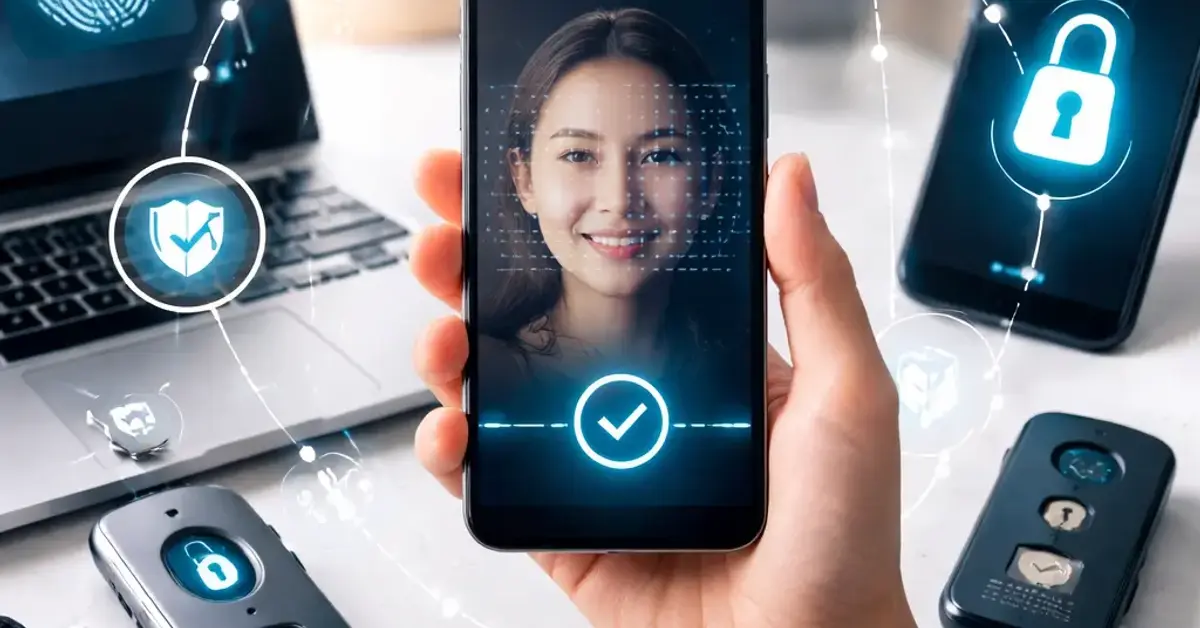
passwordless login trends Key Takeaways
Unlike a one-time login, continuous authentication analyzes how a user interacts with a device.
- Leading passwordless login trends include passkeys, biometrics, and multi-factor authentication without passwords.
- Adoption is driven by both security imperatives and user demand for convenience, with tech giants like Apple, Google, and Microsoft leading the charge.
- Businesses implementing these trends see reduced fraud, lower support costs, and higher customer satisfaction.
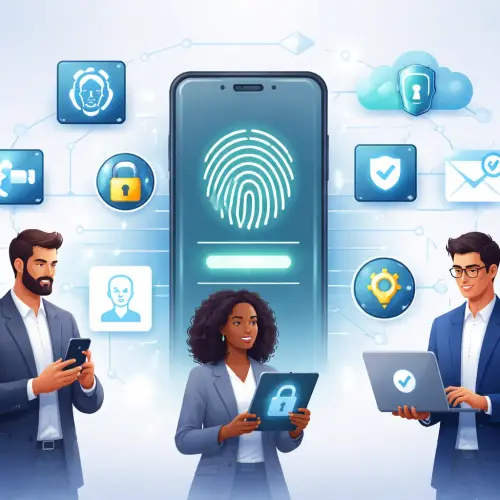
What Are the Key Drivers Behind Passwordless Login Trends?
Passwords are inherently insecure. They are reused, easily phished, and costly to manage. The rapid rise in data breaches and sophisticated phishing attacks has accelerated the need for a more robust authentication model. Passwordless login trends address these vulnerabilities by using cryptographic keys, unique biological traits, or device-based verification. This eliminates the biggest attack vector: the password itself. For enterprises, this means a significant reduction in account takeover (ATO) attacks and help desk tickets for password resets. For a related guide, see 12 Best SEO-Friendly Frontend Frameworks Worth Using in 2026.
1. Passkeys: The FIDO2 Standard Goes Mainstream
Perhaps the most significant of all passwordless authentication methods is the passkey. Based on the FIDO2 and WebAuthn standards, passkeys use public-key cryptography. A private key remains on the user’s device (phone, laptop, security key), while the public key is stored on the server. To log in, the user simply unlocks their device using a PIN or biometric. Apple, Google, and Microsoft have all integrated passkey support, making them available to billions of users. This trend signals the beginning of the end for traditional passwords.
Why Passkeys Are a Game Changer
Passkeys are phishing-resistant because the private key never leaves the device. This makes them far more secure than SMS or one-time passwords. They are also cross-platform; for example, a passkey created on an iPhone can be used to sign into a Windows laptop via a QR code. This cross-platform functionality is crucial for widespread adoption.
2. Biometric Authentication on Every Device
Fingerprint scanners and facial recognition are no longer premium features. They are standard on smartphones, laptops, and even some enterprise peripherals. Biometrics serve as a convenient and secure way to verify identity, and they are a core component of many user security trends. The latest advancements include liveness detection to prevent spoofing with photos or videos. Voice recognition and iris scanning are also finding specialized applications in high-security environments.
3. Behavioral Biometrics and Continuous Authentication
Unlike a one-time login, continuous authentication analyzes how a user interacts with a device. It tracks metrics like typing rhythm, mouse movements, swipe patterns, and even gait. If the behavior deviates from the established profile, the system can trigger additional verification or lock the session. This passwordless authentication method works silently in the background, providing persistent security without user friction. It is particularly valuable in banking and enterprise SaaS platforms.
4. Magic Links and One-Time Codes via Email
While not new, magic links (passwordless email login links) remain a popular trend, especially for onboarding new users. Instead of setting a password, a user clicks a unique link sent to their email. This method is simple to implement and reduces password fatigue. However, it is less secure than FIDO2 or biometrics, as it relies on the security of the email account itself. Many services now use magic links as a first step, then prompt users to register a passkey for future visits.
5. SMS and Push Notification One-Time Passwords
SMS-based codes are technically a form of passwordless login, but they are becoming less favored due to SIM-swapping attacks. The more secure evolution is push notification-based authentication. A user receives a push notification on their trusted device and simply approves or denies the login request. This is faster than typing a code and is a stepping stone toward fully passwordless authentication. Many banks and enterprise apps now default to push notifications over SMS.
6. Hardware Security Keys for High-Risk Users
For executives, IT administrators, and high-net-worth individuals, hardware security keys (USB-C, NFC, or Bluetooth) offer the highest level of protection. These keys require physical possession to authenticate, making remote attacks nearly impossible. The trend is moving toward multi-protocol keys that support FIDO2, U2F, and smart card functions. As prices drop, hardware keys are becoming more common in regulated industries like finance and healthcare.
7. Device-Based Authentication and Trusted Platforms
Modern user security trends leverage the trustworthiness of the device itself. Services can check if a device has been previously verified, has a known security posture, and is running updated software. If the device is trusted, the user can log in with a simple tap or glance. This is the principle behind “sign in with Apple” and “Google sign-in” on trusted devices. This approach reduces the need for passwords and strengthens security by tying authentication to a known, managed device. For a related guide, see 8 Motion UI Trends for Interactive Websites: Essential Guide.
8. The Rise of Decentralized Identity (DID) and Self-Sovereign Identity
Blockchain technology is influencing passwordless login trends through decentralized identity (DID). Users control their own identity credentials, stored on a digital wallet, and present only the necessary information (e.g., “I am over 18”) without revealing their full identity. This eliminates the need for centralized password databases, which are prime targets for hackers. While still emerging, DID promises a future where users own their login credentials.
9. Single Sign-On (SSO) as a Passwordless Gateway
SSO providers are increasingly offering passwordless options. With solutions like Okta FastPass or Microsoft Azure AD, users can access multiple enterprise applications with one biometric or device-based authentication. This eliminates dozens of passwords for employees. The trend is to combine SSO with risk-based adaptive authentication, where the system adjusts security based on location, device, and behavior. This balances security with convenience.
10. Risk-Based and Adaptive Authentication
The most sophisticated passwordless login trends involve adaptive authentication. The system assesses the login context—location, time, device, network, user behavior—and assigns a risk score. For low-risk attempts, the user gets frictionless access (e.g., just a biometric). For high-risk attempts, the system demands step-up authentication, such as a hardware key or a secondary device. This approach minimizes user friction while maintaining high security.
| Method | Security Level | User Convenience | Best For |
|---|---|---|---|
| Passkeys (FIDO2) | Very High | High | Consumer and Enterprise |
| Biometrics (Fingerprint/Face) | High | Very High | Mobile and Desktop |
| Behavioral Biometrics | Medium-High | Very High | Banking and SaaS |
| Magic Links / Email OTP | Medium | Medium | Onboarding |
| Push Notification Approval | Medium-High | High | Enterprise |
| Hardware Security Keys | Very High | Medium | High-Risk Users |
Making the Shift: A Practical Checklist for Businesses
Transitioning to passwordless authentication requires planning. Start by auditing your current authentication flows and identifying pain points. Prioritize a pilot program for a low-risk application or a specific user group, such as employees using SSO. Choose a standard: FIDO2/WebAuthn is recommended for broad interoperability. Educate users on the new methods and, crucially, provide a fallback mechanism (like a recovery code) to prevent lockouts. Finally, monitor adoption and security incidents to refine the approach.
Useful Resources
For a deeper technical dive into WebAuthn and passkeys, visit the WebAuthn Guide. To explore how major tech companies are adopting these standards, read about the FIDO Alliance’s latest initiatives.
Frequently Asked Questions About passwordless login trends
What is passwordless login ?
Passwordless login is an authentication method that does not require a user to enter a text-based password. Instead, it uses biometrics, passkeys, hardware tokens, or one-time codes to verify identity.
Is passwordless authentication more secure than passwords?
Yes, in most cases. Passwordless methods like passkeys and biometrics are highly resistant to phishing, credential stuffing, and keylogging, making them more secure than traditional passwords.
What are passkeys?
Passkeys are digital credentials based on the FIDO2 standard. They use public-key cryptography and are stored on your device. To log in, you simply unlock your device with a biometric or PIN.
How do biometrics work for passwordless login ?
Biometrics work by scanning a unique physical trait (fingerprint, face, iris) and comparing it to a stored template on the device. The biometric data is never sent to a server.
What is the FIDO2 standard?
FIDO2 is a set of open authentication standards developed by the FIDO Alliance and the World Wide Web Consortium (W3C). It enables passwordless logins using public-key cryptography.
Are magic links safe?
Magic links are convenient but have security limitations. They rely on the security of your email account. If an attacker gains access to your email, they can log into your accounts that use magic links.
Can I use passwordless login on multiple devices?
Yes, modern passkeys can sync across devices via cloud services (iCloud Keychain, Google Password Manager). You can also use cross-device authentication via QR codes.
What is continuous authentication?
Continuous authentication monitors user behavior (typing speed, mouse movements) throughout a session to ensure the same person is still in control. It can lock the session if suspicious behavior is detected.
Do I need a smartphone for passwordless authentication ?
No, many passwordless methods work on desktops and laptops. For example, hardware security keys plug into USB ports, and Windows Hello uses a built-in camera or fingerprint reader.
What is adaptive authentication?
Adaptive authentication, also known as risk-based authentication, adjusts the required authentication level based on the context of the login attempt, such as location, device, and behavior.
How do hardware keys work?
Hardware keys are small physical devices that contain a private key. You plug them into a USB port or tap them via NFC to authenticate. They require physical possession to grant access.
What is a magic link?
A magic link is a unique, time-limited URL sent to your email. Clicking it automatically logs you in without requiring a password. It is a common form of passwordless login.
Is passwordless login good for businesses?
Yes, it reduces IT support costs related to password resets, improves security, and increases employee productivity by eliminating time wasted on password management.
Will passwords disappear completely?
Not overnight, but the trend is clear. Major tech companies are betting on passkeys. It may take several years for passwords to become obsolete, but adoption is accelerating rapidly.
What is WebAuthn?
WebAuthn (Web Authentication) is a W3C standard that enables passwordless authentication on the web. It is a core component of the FIDO2 framework and is supported by all major browsers.
Can passwordless login prevent phishing?
Yes, especially methods like passkeys and hardware keys that are phishing-resistant. These methods don’t rely on shared secrets, so they cannot be tricked by fake login pages.
What is a security key?
A security key is a hardware device used for two-factor or passwordless authentication. It stores a private key and must be physically present to authenticate.
How do I set up a passkey?
On a supported device, go to your account security settings and look for the option to create a passkey. You will be prompted to authenticate with your device’s biometric or PIN.
Are passwordless methods user-friendly?
Yes, they are designed to be simpler than passwords. With methods like biometrics or passkeys, you don’t need to remember or type anything—just use your fingerprint, face, or a single tap.
What is the future of passwordless login ?
The future is a world without passwords, using a combination of biometrics, behavioral analytics, and decentralized identity to create a secure, seamless, and user-centric authentication experience.