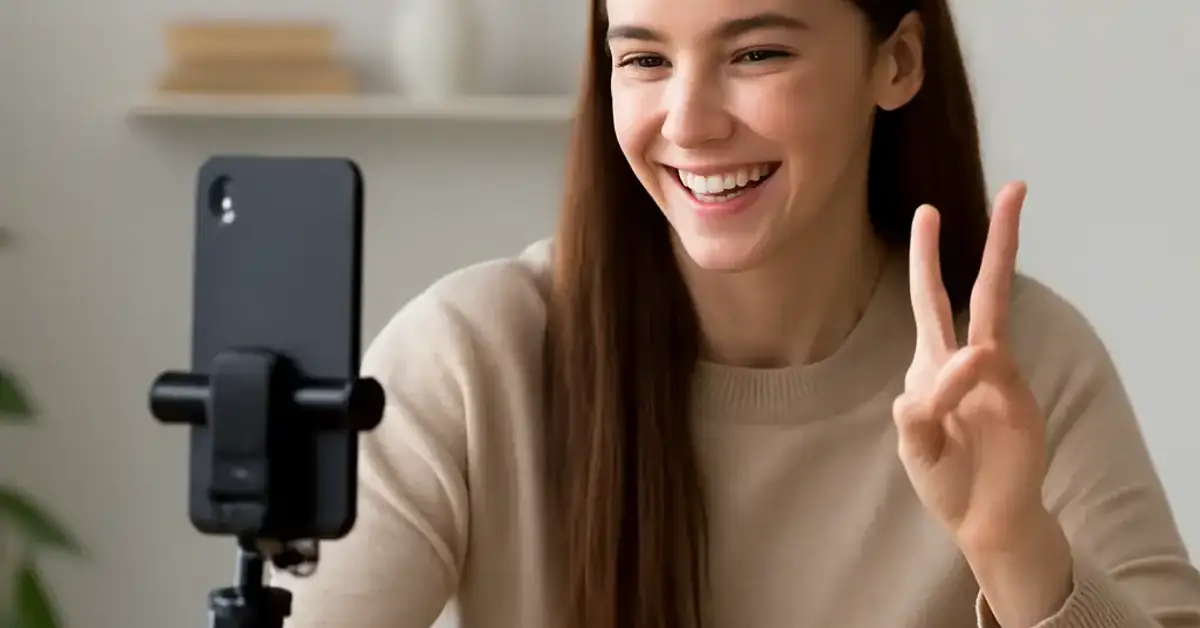
TikTok videos you can create in under 10 minutes Key Takeaways
Creating consistent content on TikTok doesn’t require hours of editing or elaborate setups.
- Learn 18 proven, low-effort video formats that take 10 minutes or less from start to publish.
- Each idea comes with a time-saving tip so you can batch or streamline your process.
- End with a clear call-to-action to repurpose your best-performing content.
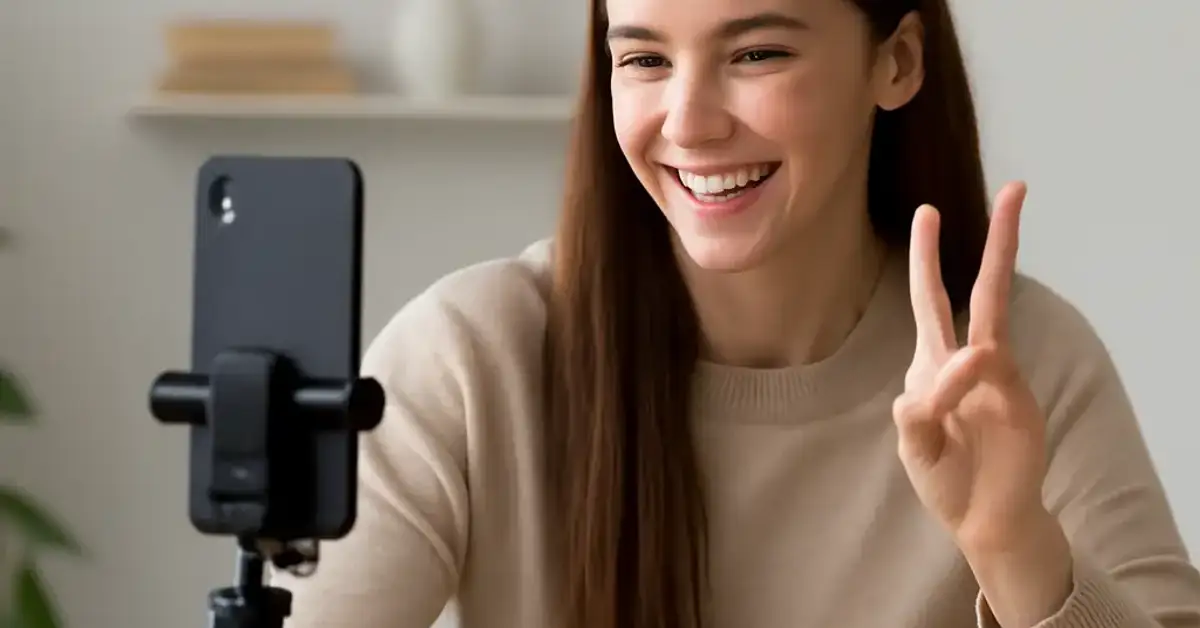
Why Quick TikTok Videos You Can Create in Under 10 Minutes Matter
Consistency beats perfection on TikTok. Posting daily or even multiple times a week builds momentum, but only if you can actually keep up. When you master TikTok videos you can create in under 10 minutes, you remove the biggest barrier: time. You stop overthinking and start showing up. Plus, fast videos often feel more raw and relatable, which the algorithm loves. For a related guide, see 31 TikTok Video Concepts That Can Go Viral Fast (Proven Ideas).
18 Fast Video Ideas to Grow Your Account
Each idea below includes a brief description and a specific time-saving tip so you can film, edit, and upload quickly.
1. Trending Sound Mashup
Find a trending audio on the For You page and lip-sync or dance to it for 15 seconds. Time-saving tip: use the “Add to Favorites” feature to save sounds while you scroll, so you have a library ready when you want to film.
2. “This or That” Poll
Show two options side by side (e.g., coffee vs. tea) and ask viewers to vote in the comments. Time-saving tip: film both options in one take using a split-screen effect built into the TikTok camera.
3. Behind-the-Scenes Clip
Film 10–15 seconds of your workspace, creative process, or daily routine. Time-saving tip: don’t script it; just point your phone at whatever you’re doing and talk naturally.
4. Quick Tutorial or Life Hack
Teach one simple skill — like how to fold a fitted sheet or peel garlic in 5 seconds. Time-saving tip: use text overlays instead of voiceover to avoid re-recording audio.
5. React to a Trending Video
Use the Stitch or Duet feature to react to a popular video in your niche. Time-saving tip: keep your reaction under 20 seconds and cue your response before you hit record.
6. “3 Things I Wish I Knew” List
Share three quick lessons learned from a hobby or job. Time-saving tip: write the list on a whiteboard and film yourself ticking each item off.
7. Transformation or Progress Shot
Show a before-and-after using a simple photo slideshow. Time-saving tip: use the in-app slideshow feature and set each image to 1 second.
8. Question of the Day
Ask your audience a single engaging question (e.g., “What song is stuck in your head?”) and respond to comments. Time-saving tip: record the question in one take and pin a comment with additional context.
9. “Stop Scrolling” Aesthetic Clip
Film something visually satisfying — pouring coffee, a sunset, or a clean desk. Time-saving tip: use natural lighting and no editing; upload raw.
10. Funny One-Liner or Joke
Deliver a short punchline directly to the camera. Time-saving tip: memorize the line before you film and do it in one take.
11. Product or Tool Recommendation
Show one thing you love (a pen, a skincare product, a kitchen gadget) and explain why in 15 seconds. Time-saving tip: hold the item up so you don’t need a separate thumbnail.
12. Day in 60 Seconds
Compile 3–5 quick clips from your day into a fast montage. Time-saving tip: use the auto-cut feature in TikTok’s editor to snap clips to the beat.
13. “POV” Skit
Act out a relatable scenario like “POV: you forget your keys inside the house.” Time-saving tip: pick a single location and use minimal props.
14. Countdown Challenge
Set a timer for 10 seconds and try to name five things (e.g., five states, five movies). Time-saving tip: keep the list simple so you don’t stumble.
15. “Caption This” Image Post
Post a funny or interesting photo and ask followers to caption it in the comments. Time-saving tip: use a photo you already have on your phone.
16. Speed Drawing or Craft
Film a time-lapse of you sketching, painting, or assembling something simple. Time-saving tip: set your phone on a tripod and use a 10x speed setting in the app.
17. Shout-Out or Fan Feature
Quickly thank a follower or highlight a comment you loved. Time-saving tip: screenshot the comment and show it on screen while you thank them.
18. Outfit or Outfit Check
Show your full outfit in 10 seconds with a spin and a pose. Time-saving tip: film against a plain wall so you don’t need background adjustments.
Tips to Create TikTok Videos You Can Create in Under 10 Minutes Consistently
Now that you have 18 ideas, here’s how to turn them into a sustainable habit. First, batch your filming: pick 3–5 ideas and record them all in one sitting. Second, use TikTok’s native editing tools as much as possible — they’re fast and keep you from over-polishing. Last, set a timer for 10 minutes per video and stick to it. If you’re not done when the timer goes off, simplify the concept or film a shorter version. For a related guide, see 39 TikTok Video Ideas: Proven Strategies to Boost Engagement Fast.
What to Do After You Post
Posting is only half the battle. Engage with comments within the first hour to boost your video in the algorithm. If a video performs well, repurpose it into a slightly different version by changing the audio or a single element. Then, come back to this list and pick another idea. The goal is to keep the loop going: film, post, engage, repeat. With TikTok videos you can create in under 10 minutes, you can keep that loop running every day.
Useful Resources
For more inspiration on trending sounds and video formats, check out TikTok’s Creator Portal for official tips and best practices. If you want to dive deeper into fast content strategies, consider reading Later’s guide to TikTok content ideas.
Now pick one idea from this list, set a timer, and create your next video. You’ll be surprised how much content you can produce when you stop aiming for perfection and start aiming for progress.
Frequently Asked Questions About TikTok videos you can create in under 10 minutes
How long should a TikTok video be if I want to make it in under 10 minutes?
Aim for 15 to 30 seconds. Shorter videos require less editing and are easier to film in one take.
Do I need special equipment to make quick TikTok videos ?
No. A smartphone with decent lighting (natural light works great) is all you need. A tripod helps but isn’t required.
What’s the fastest way to edit a TikTok video?
Use TikTok’s built-in editor. Trim clips, add text overlays, and pick a sound directly in the app — no third-party software needed.
Can I reuse the same video idea more than once?
Absolutely. Try a different sound, angle, or variation of the topic to keep it fresh.
How do I find trending sounds quickly?
Scroll the For You page and tap the sound name to save it. You can also check the Creative Center in your account settings.
Is it better to film in landscape or portrait?
Always portrait (vertical) for TikTok. It fills the screen and keeps viewers watching.
Should I write a script for a 10-minute video?
No. If you need a script, keep it to 1–2 bullet points on a sticky note off camera.
What if I make a mistake while filming?
Just rewind and start the sentence over. You can trim out the mistake in editing.
How many hashtags should I use?
Use 3–5 relevant hashtags. Quality over quantity helps with discoverability.
Can I make a TikTok video in under 10 minutes without showing my face?
Yes. Use text overlays, b-roll footage, or point your camera at objects and actions.
What time of day should I post for quick engagement?
Test posting in the morning (7 AM – 9 AM) or evening (7 PM – 9 PM) local time, then check your analytics.
Do I need to add captions or subtitles?
Highly recommended. TikTok’s auto-captions are free, improve accessibility, and increase watch time.
How do I know if a video idea will work before I film it?
Look at trending sounds and see which formats are getting high engagement in your niche. Mirror the structure.
Can I repurpose Instagram Reels for TikTok?
Yes, but remove any watermarks first. Use the same clip but add TikTok-specific text or sounds.
What’s the best length for a DIY or tutorial quick video?
Keep it under 30 seconds. Use fast cuts or time-lapse to show the process quickly.
How do I handle bad lighting when filming fast?
Face a window or turn on a ring light. Natural daylight is usually enough for a quick clip.
Should I post every day if my videos take under 10 minutes?
If you can, yes. Daily posting helps with algorithm growth, but even 3 times a week is effective.
Can I monetize quick TikTok videos ?
Yes. Build an audience first, then use the Creator Fund, brand deals, or affiliate links.
What’s the biggest mistake beginners make with fast videos?
Overthinking. Just film it and post. You can improve as you go.
How long does it take to see results from quick TikTok videos ?
It varies. Some videos go viral in hours, others take weeks. Consistency is the key.