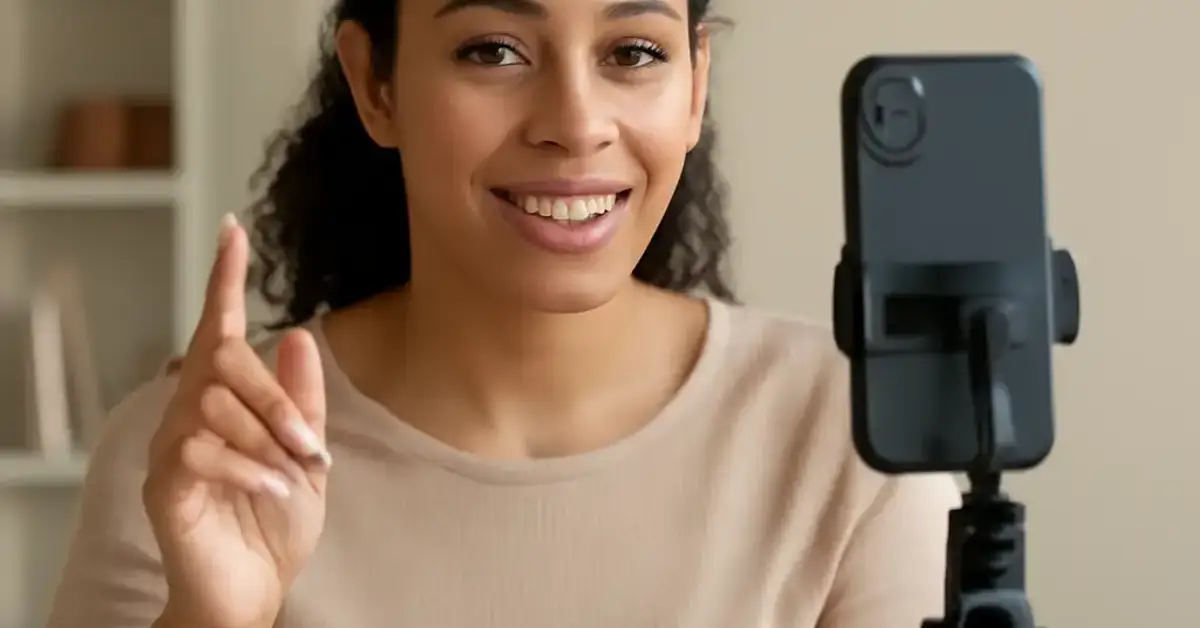
24 best Reels content ideas Key Takeaways
The Instagram Reels algorithm rewards content that keeps viewers watching, saving, and sharing.
- The 24 best Reels content ideas are grouped by niche and storytelling format and #x2014;from educational tutorials to behind-the-scenes moments.
- Every idea includes a tactical production tip (like hook length, audio choice, or text overlay strategy) to help the Reel perform.
- You will also find a dedicated FAQ answering exactly 20 common questions about Reels optimization, algorithm signals, and content repurposing.
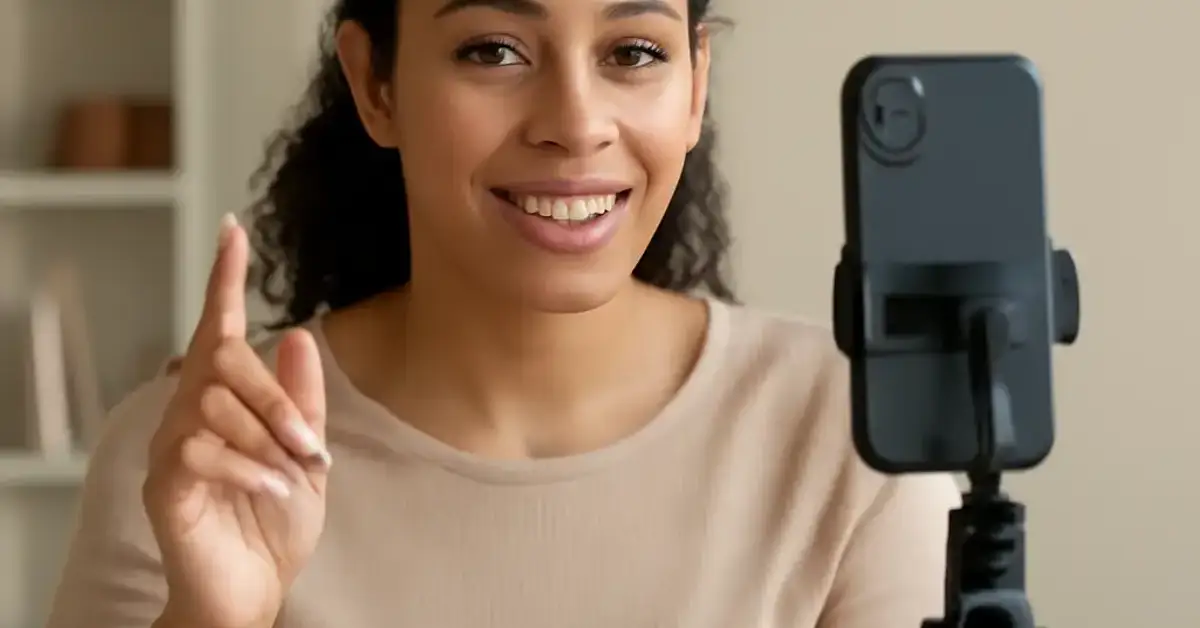
What Makes These the 24 best Reels content ideas for 2025
The Instagram Reels algorithm rewards content that keeps viewers watching, saving, and sharing. Rather than chasing random trends, the 24 best Reels content ideas below are built on proven formats: educational hooks, emotional storytelling, interactive prompts, and trend remixes. Each idea is paired with a specific Reel execution tip to help you avoid common pitfalls like flat pacing or missing captions. For a related guide, see 28 Viral Reels Trends in 2026: Avoid These Costly Mistakes.
How to Use This List
Scroll through all 24 ideas, bookmark the ones that match your brand voice, and test two to three per week. Track early metrics—watch time, shares, and saves—to double down on what works.
24 best Reels content ideas—Grouped by Content Niche
Educational and How-To Reels
1. Quick Tip Tutorial — Share a 15-second actionable tip related to your industry. “How to fold a fitted sheet in 10 seconds” works for home brands. Tip: Use on-screen text for every step. For a related guide, see 23 Proven LinkedIn Content Trends to Boost Engagement in 2025.
2. Common Mistake Fix — Show a common error and then the correct method. Example: “Stop peeling garlic like this. Do this instead.” Tip: Start with the mistake first for contrast.
3. Three Ways to Use One Product — Feature a single item (a kitchen gadget, a skincare cream) in three surprising ways. Tip: Use fast cuts between each use.
4. Day in the Life (with Lesson) — A behind-the-scenes look at your workday that teaches one thing: a productivity hack, a design trick, or a sales insight. Tip: Add chapter markers in the caption.
Storytelling and Behind-the-Scenes Reels
5. Before and After Transformation — Show a physical or digital transformation (renovation, editing, fitness). Tip: Use a seamless transition like a whip pan or zoom.
6. “How It’s Made” Mini-Doc — Film 15 seconds of your production process. People love seeing handmade items or service prep. Tip: Add a trending audio track underneath.
7. Customer Success Story — Anonymously or with permission, share a short story of how your product helped someone. Tip: Use a direct quote overlay.
8. The “I Messed Up” Reel — Vulnerability builds trust. Share a failure and what you learned. Tip: Keep the tone light and self-deprecating.
Interactive and Community Reels
9. Poll or Quiz Reel — Present a question with two options and reveal the answer at the end. Example: “Which logo is better? A or B?” Tip: Use the poll sticker in Stories first, then repurpose as a Reel.
10. “This or That” Challenge — Pit two products, places, or ideas against each other. Tip: Use split-screen format.
11. React to a Comment — Pick a thoughtful comment from your last post and film your reaction or answer. Tip: Show the comment on screen.
12. Fill-in-the-Blank Caption — Write a sentence with a blank and ask viewers to complete it in the comments. Tip: Keep the blank easy enough that anyone can play.
Trend and Entertainment Reels
13. Trend Dance or Meme Remix — Adapt a trending audio or meme to your niche. A real estate agent dancing to a house-hunting joke works. Tip: Add a teachable moment after the dance.
14. “POV” Reel — Film from a first-person perspective: “POV: you’re a barista during morning rush.” Tip: Use a chest-mounted phone holder for steady footage.
15. ASMR or Satisfying Video — No talking required. Crushing leaves, pouring paint, or slicing a perfect cake. Tip: Turn up the original sound.
16. Looping Visual — A short clip that seamlessly loops: a rotating object, a walking cycle, a pouring liquid. Tip: Use the “end frame” trick in editing.
Sales and Promotional Reels (Soft Sell)
17. Product Feature Highlight — Zoom in on one unique feature and explain why it matters. Tip: Start with the problem the feature solves.
18. Customer Review Read-Out — Hold a 5-star review card and read it with genuine enthusiasm. Tip: Use a testimonial with a specific result.
19. Limited-Time Offer Teaser — Countdown-style Reel with urgency: “Only 48 hours left.” Tip: Use a timer sticker overlay.
20. Bundling Idea — Show how two of your products work together better than one. Tip: Use a side-by-side demo.
Personal Brand and Lifestyle Reels
21. Morning Routine (Shortened) — 15-second highlight reel of your morning preparation. Tip: Speed up the audio slightly to keep energy high.
22. “3 Things I Learned This Week” — Professional or personal insight wrapped in a Reel grid aesthetic. Tip: Use a consistent background color for brand recognition.
23. Quick Travel or Location Feature — If you’re location-based, show a local spot, landmark, or hidden gem. Tip: Geotag the location in the post.
24. “Why I Started” Origin Story — Briefly share the moment that led you to create your business or content page. Tip: Use a nostalgic filter or slow-motion for emotional weight.
Comparison Table: Reels Formats at a Glance
| Reel Format | Best For | Ideal Length | Example Niche |
|---|---|---|---|
| Quick Tip Tutorial | Educational authority | 15–30 sec | Cooking, Coding, Beauty |
| Before and After | Visual transformation | 10–20 sec | Fitness, Home Reno, Art |
| Trend Dance Remix | Reach and brand fun | 15 sec | Fashion, Travel |
| Customer Story | Social proof | 30–60 sec | E-commerce, Service |
How to Pick the Right Reel Idea for Your Brand
Start with your goal. If you need brand awareness, lean into trend remixes (ideas 13–16). If you want to build authority, choose educational formats (ideas 1–4). For community growth, interactive Reels (9–12) work best. Rotate between three formats each month and review your Instagram Insights to see which Reels content ideas drive the most saves and shares.
Useful Resources
For deeper analytics on what makes a Reel go viral, check out Later’s Reels Idea Generator. If you want to understand the algorithm signals behind Reels performance, read Instagram’s official Reels best practices.
Mastering Reels doesn’t require a content calendar of 100 ideas—just repeat and refine the 24 best Reels content ideas above. Start with three formats this week, measure results, and scale what works. The algorithm rewards consistent, audience-first video content.
Frequently Asked Questions About 24 best Reels content ideas
How long should a Reel be for maximum engagement?
According to Instagram’s current algorithm, Reels under 30 seconds perform best for discovery, but anything up to 90 seconds can work if retention stays high.
Do hashtags still matter on Reels in 2025?
Yes, but relevance matters more than volume. Use 3–5 niche-specific hashtags plus one broad one like #Reels.
Can I use copyrighted music on Reels?
You can use any music from Instagram’s library. Using audio from popular Reels often gives a discovery boost.
How many Reels should I post per week?
Consistency beats frequency. Post 3–5 times per week; daily posting is better if you can maintain quality.
Should I use text overlays on every Reel?
Yes. Many viewers watch without sound. Text captions boost watch time and accessibility.
What is the best hook for a Reel?
The first 3 seconds should present a problem, a curiosity gap, or a bold statement. Example: “Most people peel bananas wrong.”
Does posting time affect Reel performance?
Yes. Post when your audience is most active. Check your Instagram Creator Dashboard for peak times.
Can a Reel go viral even with zero followers?
Absolutely. The Explore tab surfaces content based on interest signals, not follower count.
Should I use trending audio?
Trending audio can increase reach, but make sure it fits your content tone. Forced audio feels awkward.
How do I repurpose old content into a Reel?
Take a popular blog post or carousel, pick one tip, and film a short video explaining it. Add text overlays for clarity.
Should I put a Reel in my feed or just the Reels tab?
Post to your feed so it appears in both the Reels tab and your main feed. This maximizes reach.
What and #x2019;s the ideal file size for a Reel?
Keep video resolution at 1080 x 1920 pixels, file size under 250 MB for smooth uploads.
How do I track which Reel idea works best?
Use Instagram Insights. Sort by “Saves” or “Shares” to identify the most resonant content.
Can I schedule Reels ahead of time?
Yes, through Meta Business Suite or third-party tools like Later and Buffer. Schedules don’t harm reach.
Should I add a call-to-action in every Reel?
1 soft CTA per Reel is fine: “Save this for later” or “Comment your favorite.”
How do I find Reel ideas specific to my niche?
Use Instagram’s search. Type your niche keyword and filter by Reels. Look at top-performing accounts for format inspiration.
Does vertical video size matter for Reels?
9:16 aspect ratio is mandatory. Anything else gets cropped or letterboxed, which hurts performance.
Can I run a Reel ad?
Yes. Boosted Reels work like regular ads but keep the native Reels format for best results.
What is the biggest mistake people make with Reels?
Filming without a hook or a clear point. Viewers scroll away in under 2 seconds if the value isn’t obvious.
How do I stay fresh with Reels ideas over time?
Save a swipe file of Reels you love. Rotate between educational, entertaining, and emotional formats weekly. Re-adapt old ideas with new trends.